

Reorder points that think ahead
At its core, hotel operations are about people. It's the guest who expects fresh linens on arrival, the front desk team that promises amenities they need to have on hand, and the operations manager who carries the quiet weight of making sure nothing runs out at the wrong moment. We built Quickrooms because we believe the best hotel teams aren't the ones scrambling to restock after a shelf goes empty. They're the ones who saw it coming.
That belief is at the heart of one of the features our users rely on most: inventory tracking that flags a reorder point before stock ever hits zero.
The Problem With Waiting Until It's Gone
For many properties, inventory management still means someone physically walking the storeroom, clipboard in hand, hoping they catch a shortage before it becomes a guest complaint. By the time a shortage is noticed, it's often already too late. Housekeeping is short on amenities. The bar is out of a key ingredient. A vendor order that should have gone out days ago hasn't even been placed.
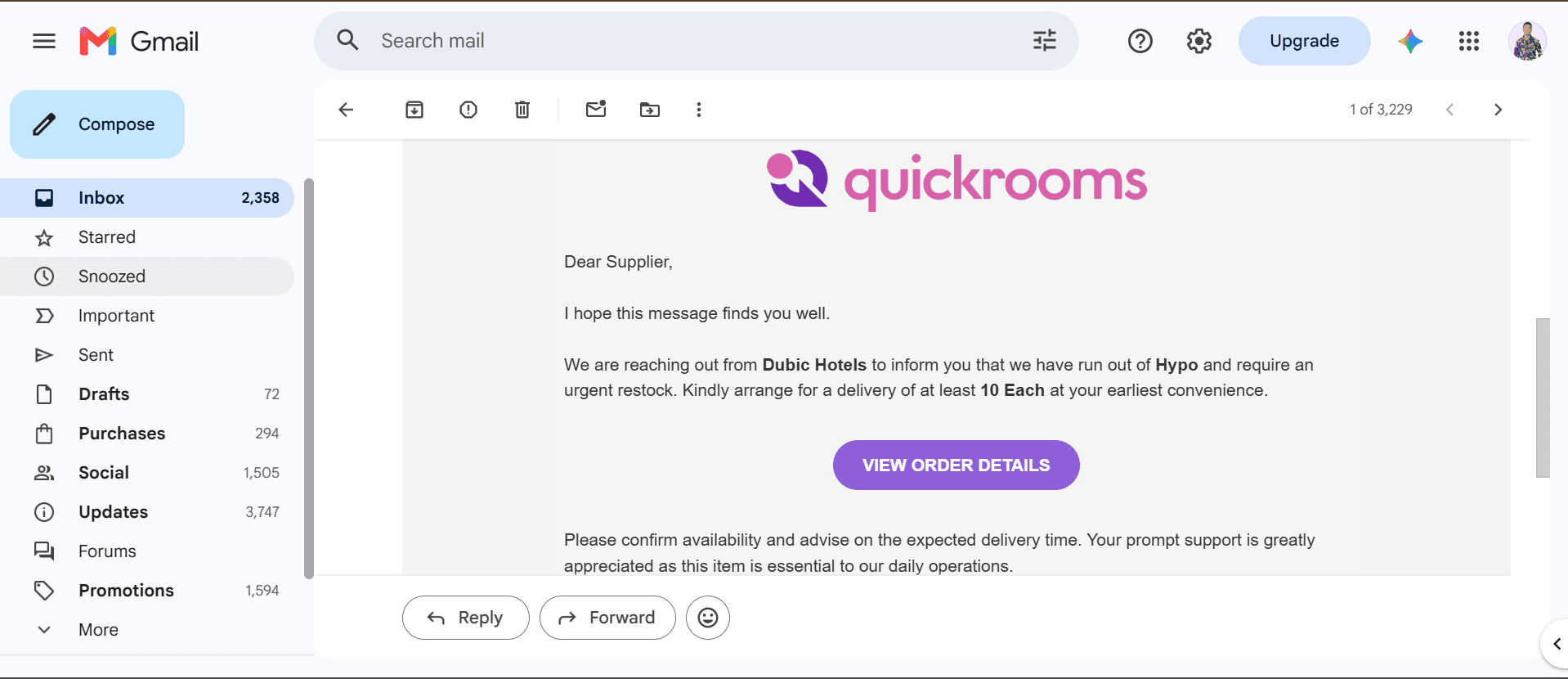
Quickrooms was built to close that gap. Instead of waiting for a count to hit zero, the platform tracks stock levels in real time and compares them against a safety stock threshold you set for each item. Once inventory reaches or falls below the set threshold, Quickrooms automatically alerts the vendor via email and WhatsApp message, allowing replenishment to begin before stock runs out.
Built for the People Who Run the Property
We designed this with hotel operations teams in mind, the people who are ultimately accountable when something runs out and often go unnoticed when everything runs smoothly.
Manual inventory checks can consume a significant amount of hotel staff time. In a case study from Hotel Vermont, the bar lead reported that inventory once took “almost nine hours,” with much of that time spent manually counting stock in the storeroom. Now the alert goes to the vendor automatically from Quickrooms. Vendors thus spend that time actually running other hospitality activities instead of counting boxes.
That shift, from constant manual checking to quiet confidence, is exactly what we set out to build. It's a simple alert behind the scenes, but it represents a much bigger promise: that Quickrooms is watching the details so your team can focus on the guest.
How It Works in Practice
Inside Quickrooms, tracking stock levels and triggering a reorder point takes just a few steps.
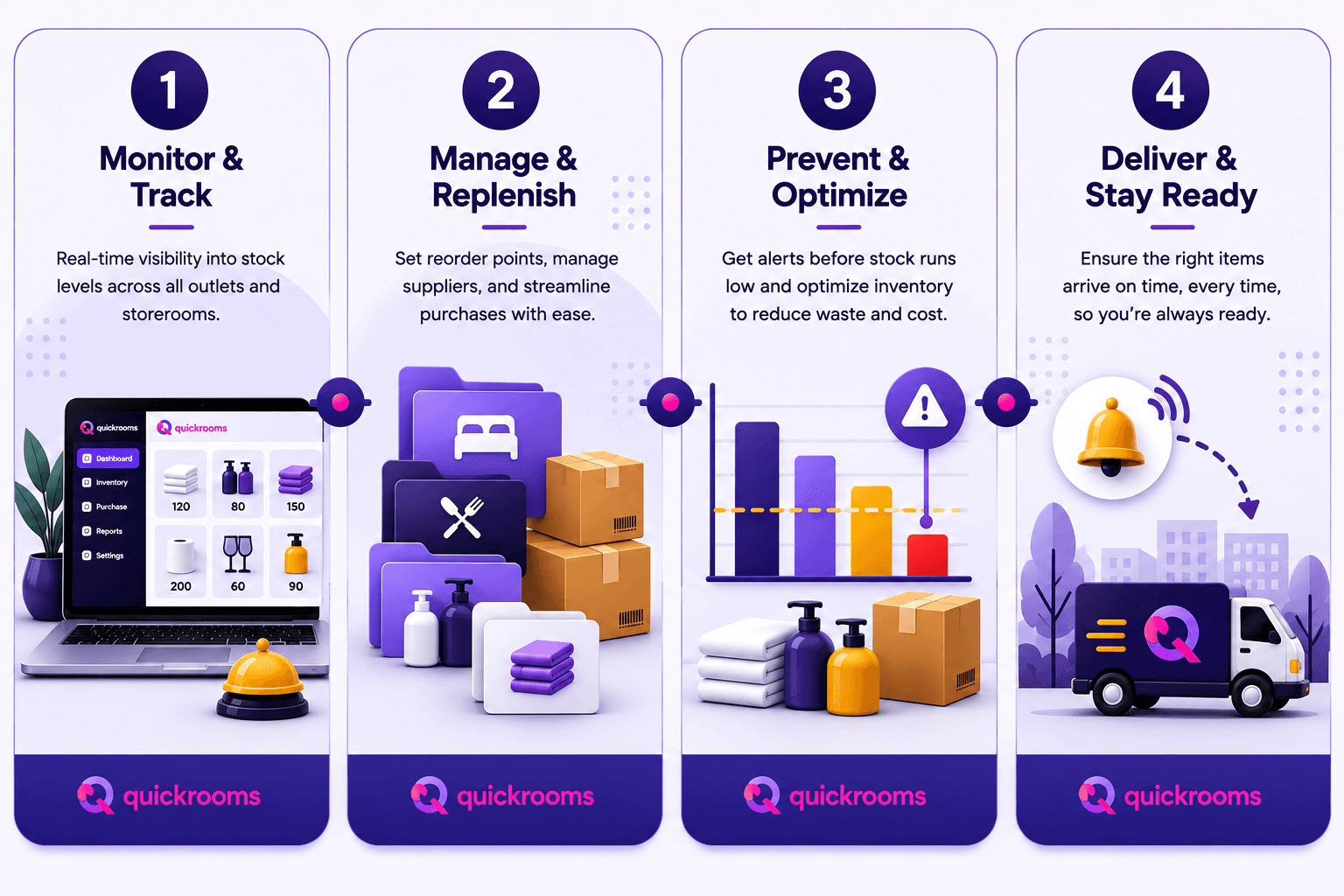
Log in to the main hotel dashboard, then open Inventory Management.
Select the category or department you want to track. This is especially useful for large properties managing inventory across housekeeping, food and beverage, maintenance, and more.
Review current stock quantities, shown alongside each item's safety stock level, so you always know exactly where things stand.
Let Quickrooms do the watching. If an item's quantity falls to or below its safety stock level, the platform automatically alerts the supplying vendor; no manual follow-up required.
We also recommend reviewing your safety stock levels regularly. As occupancy and usage patterns shift with the seasons, the threshold that made sense last quarter might need a small adjustment today.
The Bigger Picture
Behind every reorder point is a real property trying to keep its promises, to guests, to staff, and to itself. Our goal with Quickrooms isn't just to move numbers on a dashboard. It's to give hotel teams the confidence that comes from knowing the system has their back, quietly and consistently, long before a shortage ever has the chance to become a problem.

Ready to see it for yourself? Explore the platform →