
Loading...
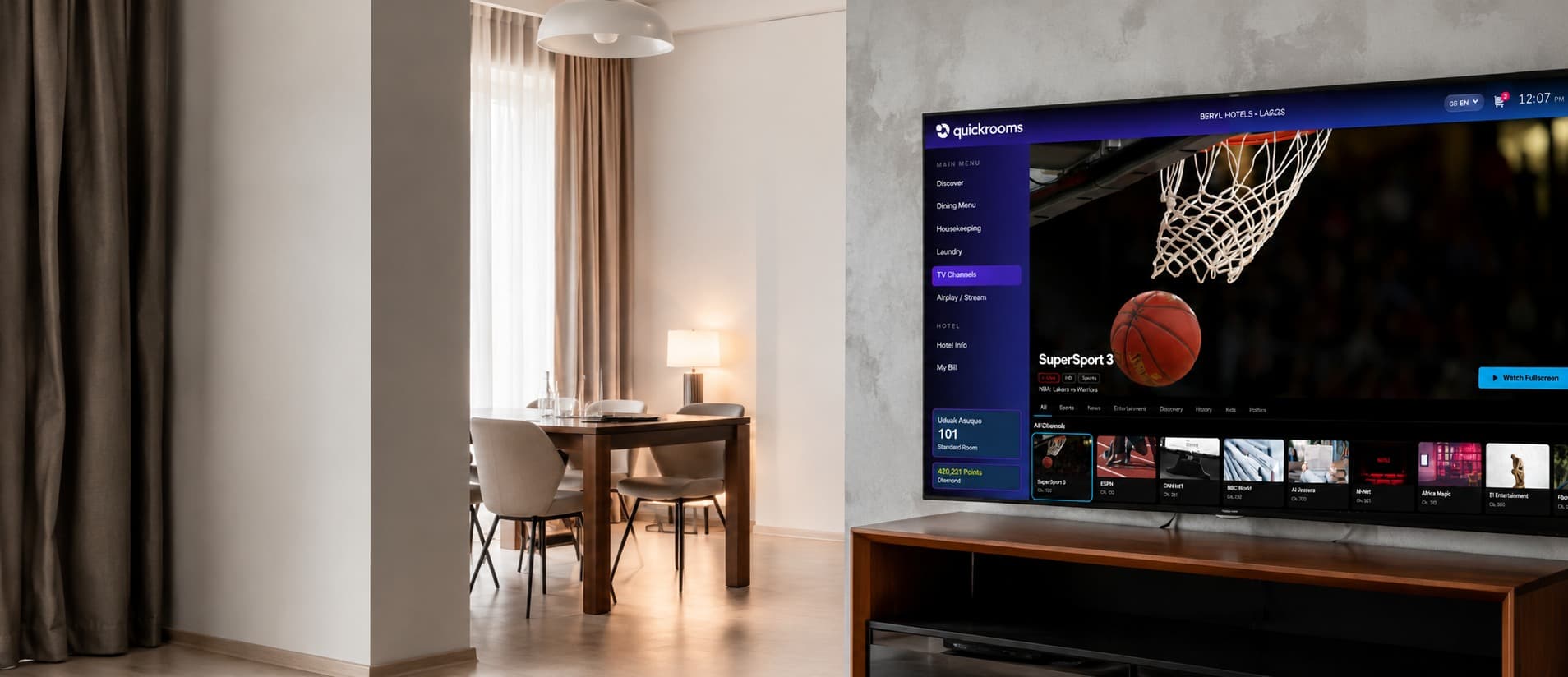
Quickrooms TV
Quickrooms TV combines hotel IPTV, live channels and digital guest services on one simple in-room screen. Guests can watch TV, order food, request services and check their bill without calling the front desk.
Why hotels use it
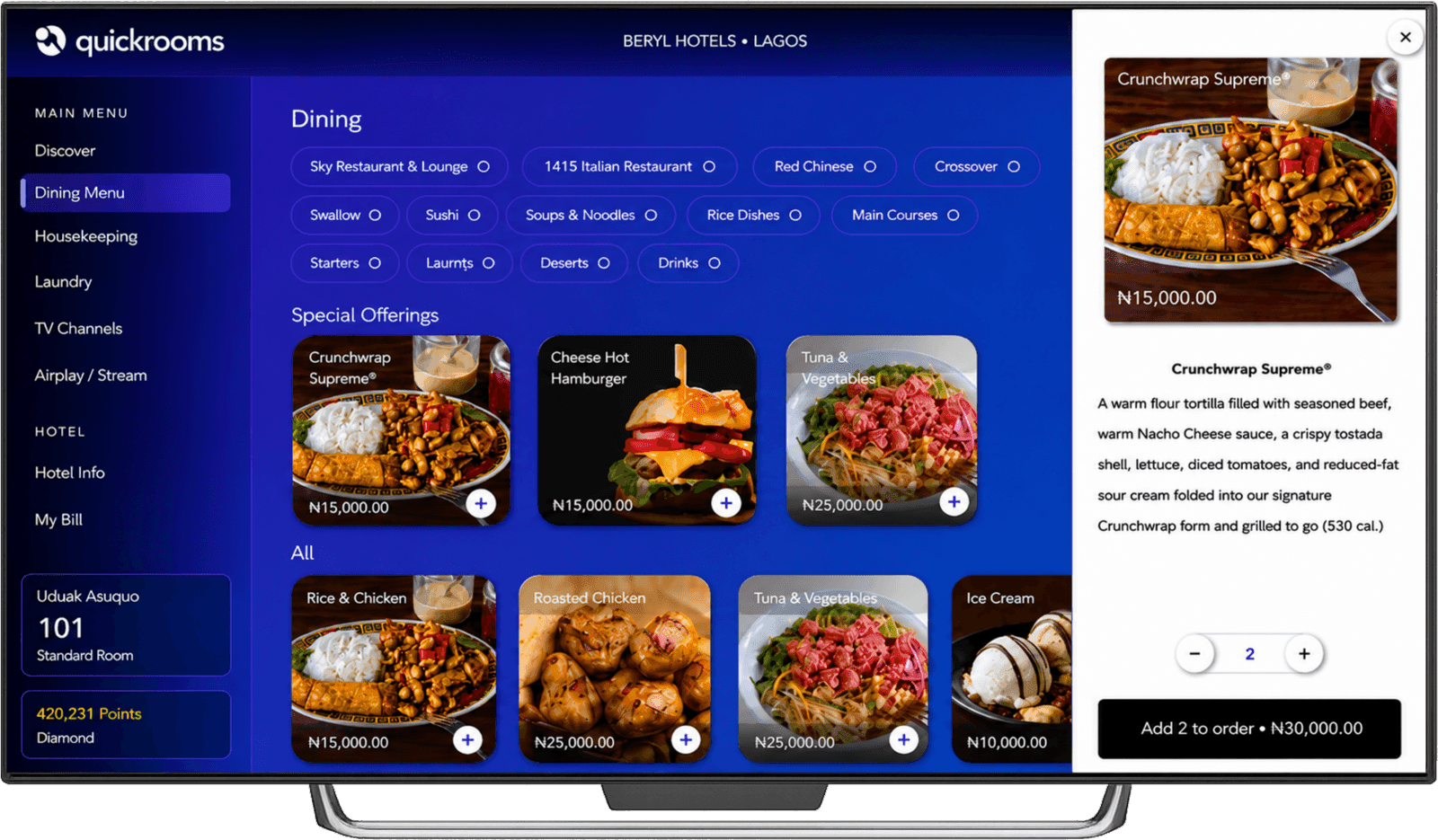
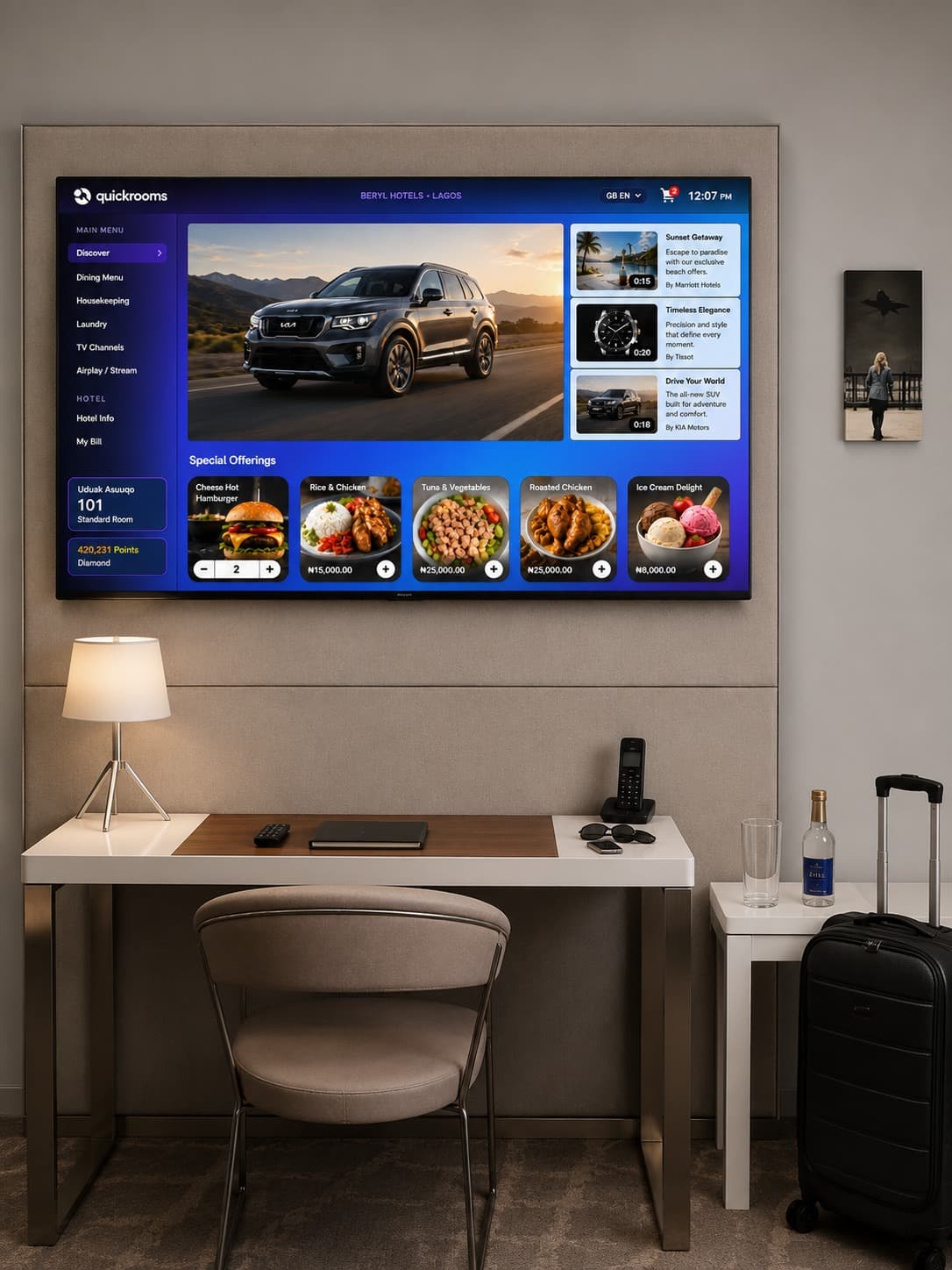
The daily special sits on every home screen in the hotel. Guests order in seconds, so more of your kitchen's revenue comes from rooms that would never have called down.
How it works
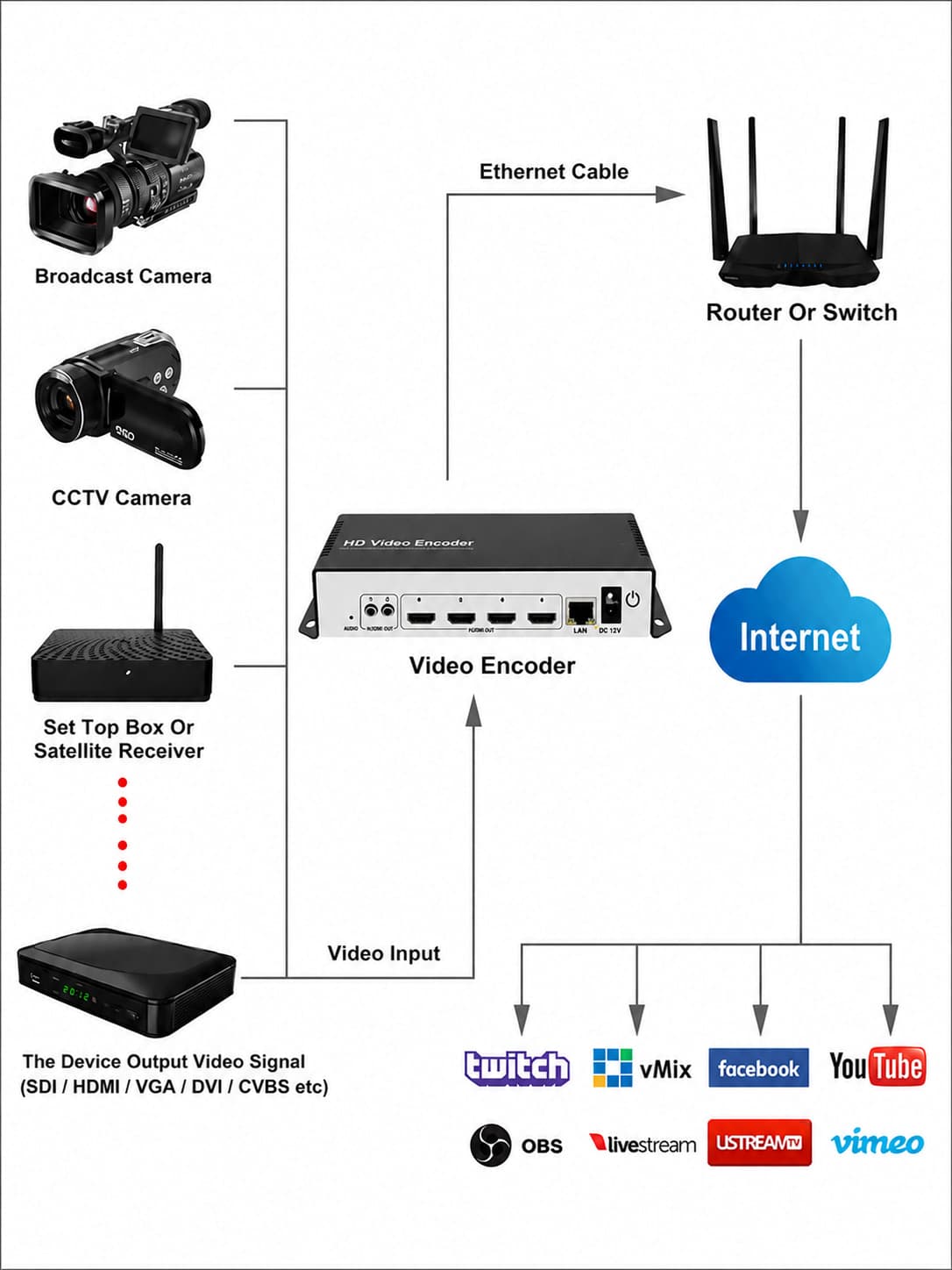
Encode your cable or satellite TV channels once and stream them across the hotel network with a centralized IPTV solution for hotels.
Your cable TV decoder's HDMI output connects to a 4-channel HLS encoder. One encoder carries up to four decoder feeds.
The encoder is configured on your hotel network and turns each feed into an HLS stream available to every room.
Register the encoder on the Quickrooms Dashboard, organize channels into categories, and control what every TV shows.
Each TV runs the Quickrooms TV App and is paired to its room by device ID, so every screen greets the correct guest.
Compatibility
Install the hotel TV app directly on Android TVs or use an Android TV stick with compatible existing screens.
Works natively
TVs running the Android operating system can install the APK directly, with no extra hardware required.
Needs an Android TV stick
Most LG TVs with webOS and Hisense TVs with VIDAA OS cannot install the APK directly. Connect an Android TV stick or box to the HDMI port to get the full hospitality IPTV experience.
Any kind of Android stick or Android TV box works, as long as your TV has an HDMI port. Full details: Requirements to run the Quickrooms TV App.
Getting set up
Follow the guides to connect, install and pair each TV.
 Step 01
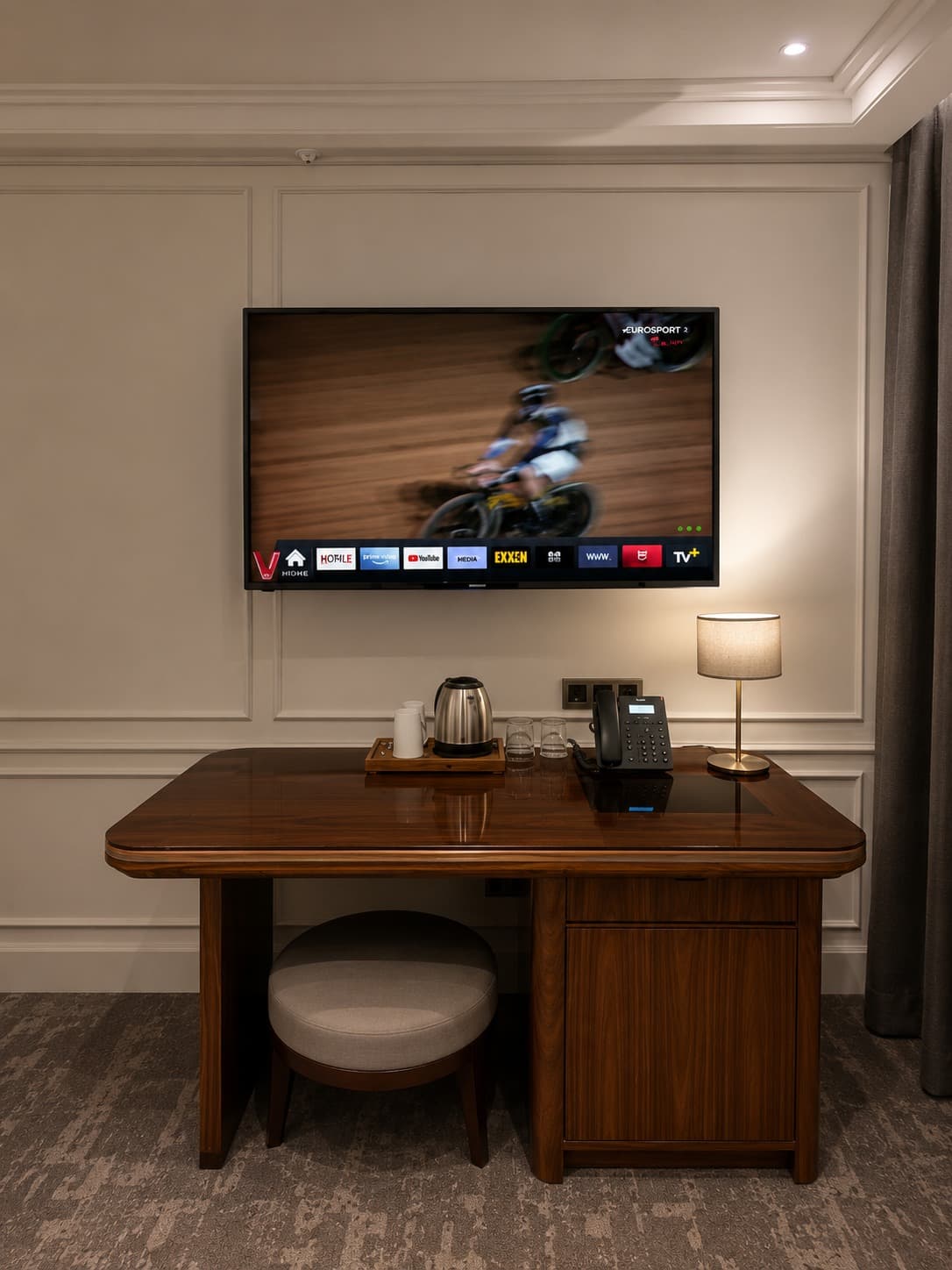
Before installing Quickrooms TV, confirm the type of television in every room. This helps ensure a smooth setup and prevents delays during deployment.
 Step 02
Connect your satellite decoders or HDMI sources to the 4-channel encoder, join it to your hotel's Wi-Fi network, and verify that all HLS streams are broadcasting correctly before continuing.
 Step 03
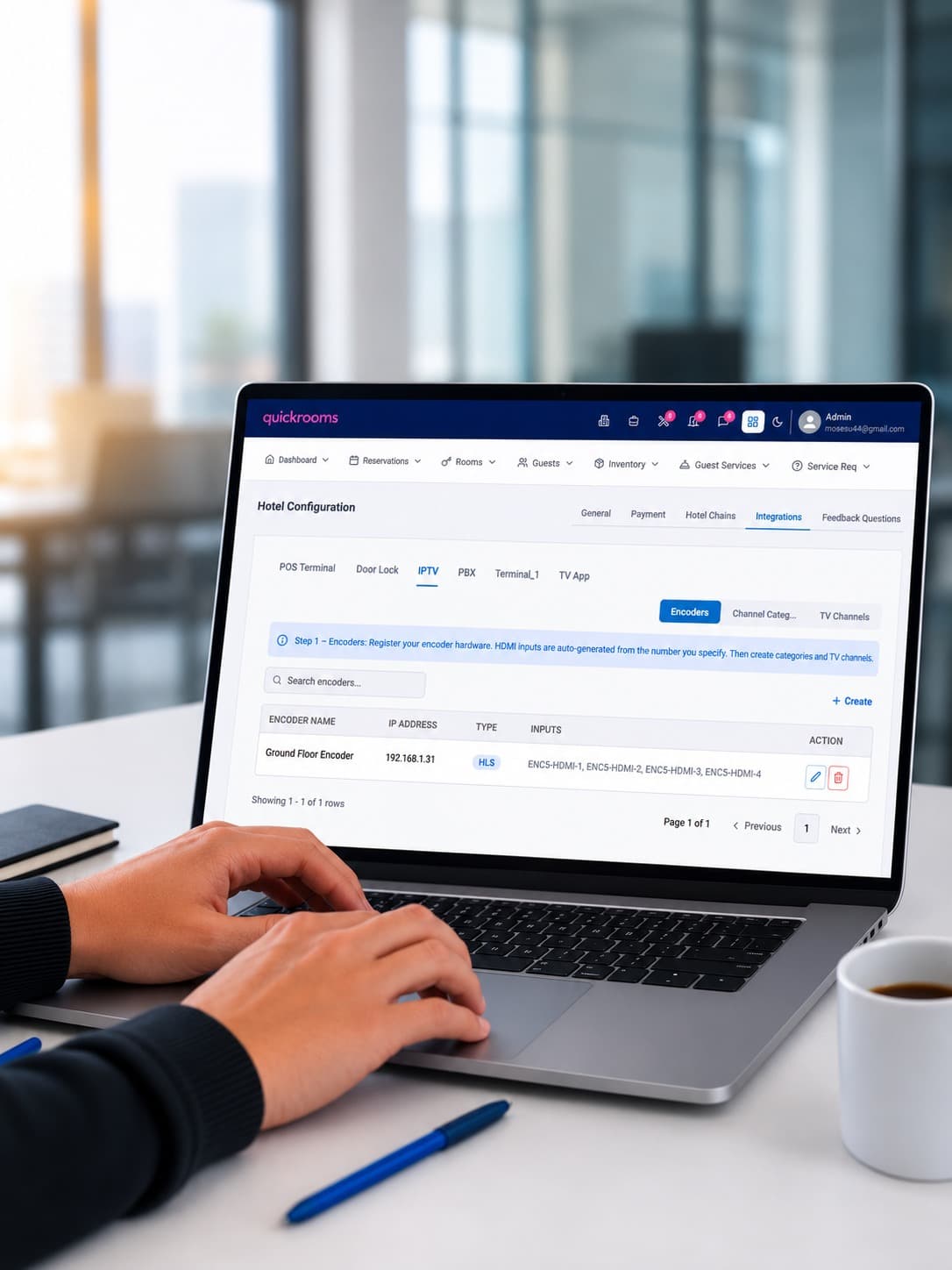
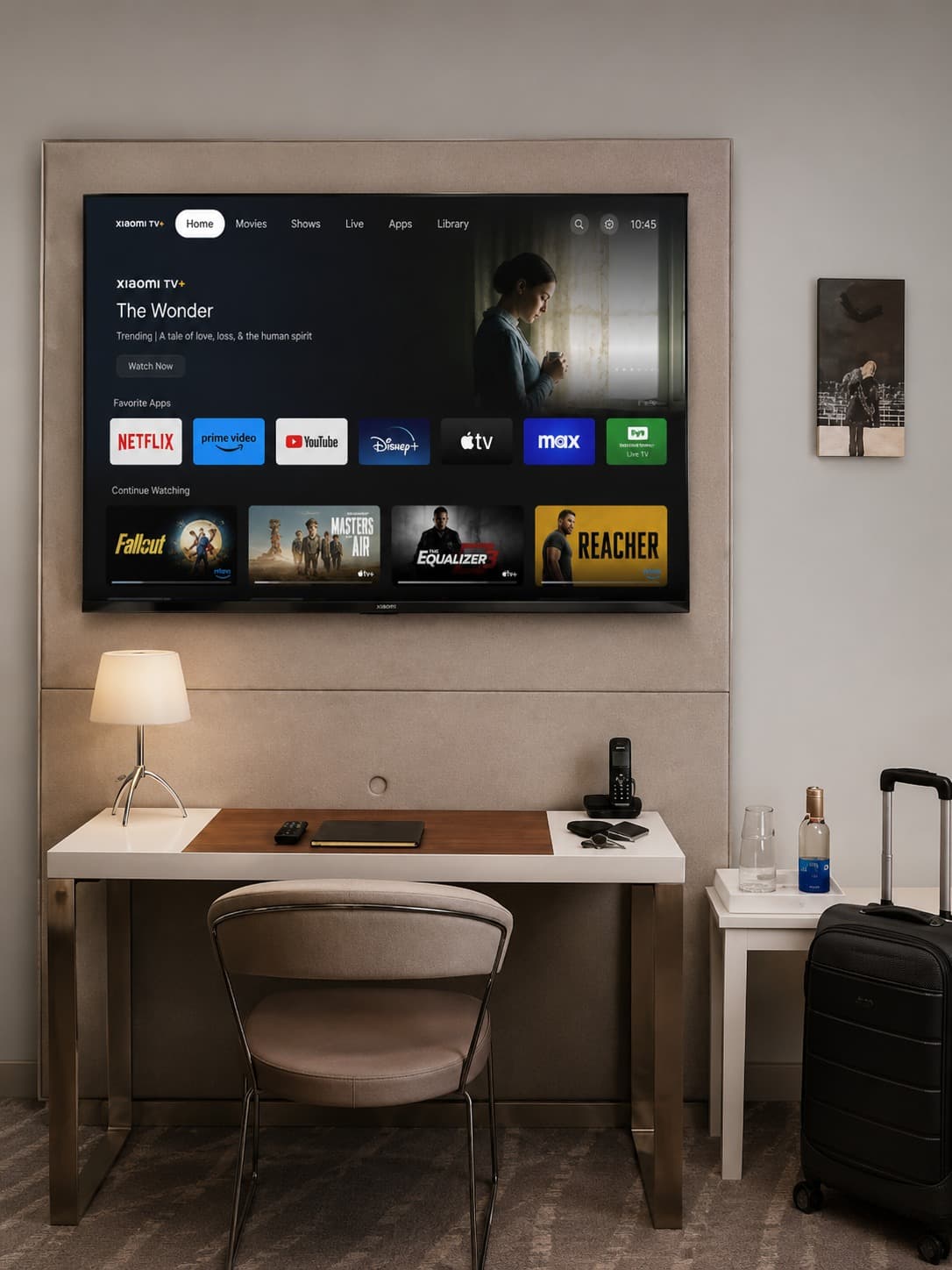
Register your encoder, organize channels into categories, and configure your IPTV library to create a seamless viewing experience for every guest.
 Step 04
Install Android TV sticks where required, install the Quickrooms TV app on every device, and verify that each TV is ready before pairing it to a hotel room.
 Step 05
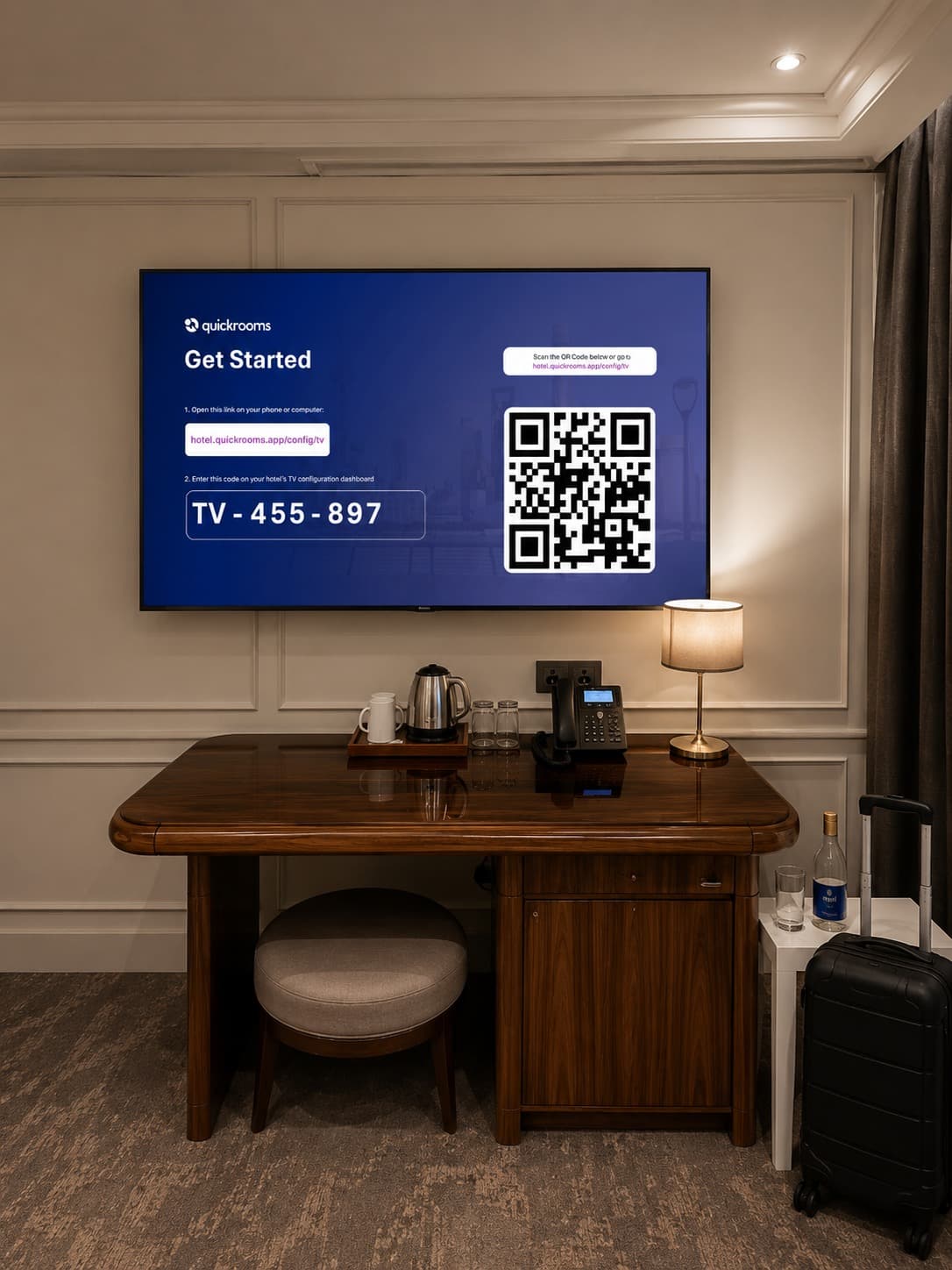
Use the device ID displayed on the TV to register it in the Quickrooms Dashboard, assign it to the correct room, and optionally enable kiosk mode for automatic app launch after every reboot.
 Step 06
Create and schedule TV commercials to showcase your restaurant, spa, events, room upgrades, and special offers. Reach every guest room with engaging promotions that increase awareness and drive additional revenue.
FAQ
Once your hotel is onboarded into the Quickrooms ecosystem, the APK file is sent to you. You install it on each Android TV or TV stick. See the installation guide.
Installation guideTransform the TVs you already own into a connected guest-service channel that promotes, serves and sells around the clock.