
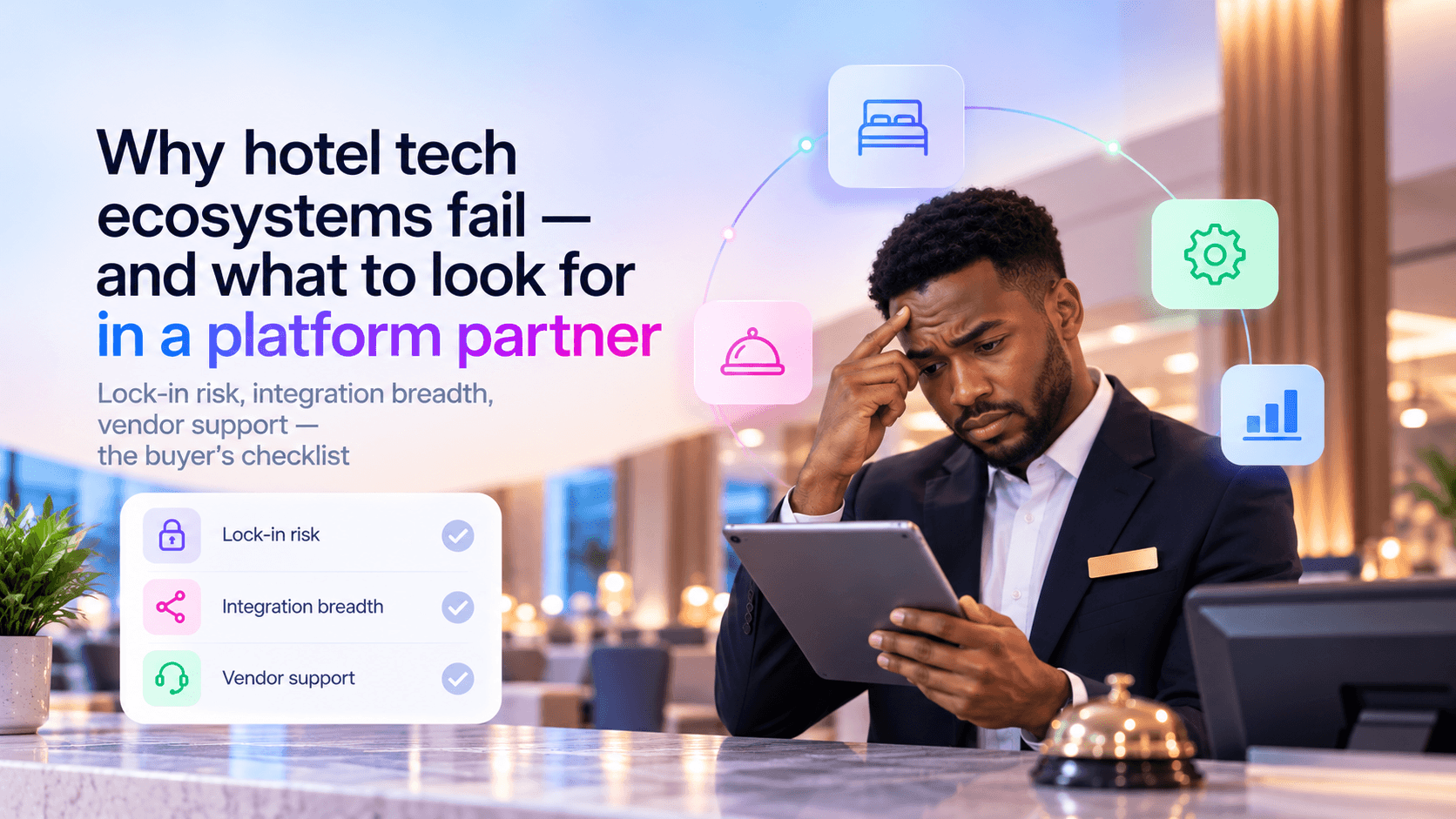
Why Hotel Tech Ecosystems Fail, and What to Look For in a Platform Partner

Most hotels don't choose a messy tech stack. They build one, a single purchase at a time.
A property management system comes first. Then a point-of-sale system for the restaurant, a separate tool for staff rosters, a spreadsheet for procurement, a channel manager, a guest messaging app, and something for the in-room TV. Each one solved a real problem on the day it was bought. Together, they rarely work as one.
The result is familiar to any hotel manager. Staff re-type the same guest details into three screens. Reports disagree because each system holds its own version of the truth. A simple question, such as what last month's food cost was against occupancy, takes a day of exports to answer.
This guide explains why hotel tech ecosystems break down, and gives you a practical checklist for choosing a platform partner that won't repeat the problem.
Why Hotel Tech Ecosystems Fail
Hotel tech rarely fails because one product is bad. It fails at the joins between products. An NYU Tisch Centre study, cited on Hospitality Net, found that 38% of hoteliers name integrations as a top daily pain point.
Four patterns show up again and again.
1. Systems that don't talk. A messaging tool that can't raise a housekeeping task just creates another manual job. A kiosk without live room status moves the queue rather than removing it.
2. The integration tax. Every extra system adds a contract, a support line and a set of interfaces to maintain. One Hospitality Net analysis puts a 100 to 1,000-room property at 15 to 30 integrations. When something breaks, each vendor points at the other.
3. Lock-in by design. Some systems make it easy to get in and hard to get out. Data sits in formats you can't export, and features you need are always "on the roadmap". As one hotelier writes on Hotel Online, teams end up reshaping their workflows to fit the software, not the other way round.
4. Thin support after go-live. Integrations need care as each platform updates. When the vendor's attention ends at the sale, small breaks pile up until staff fall back on paper and spreadsheets.
The Buyer's Checklist
Use these four dimensions to compare any platform partner. Each comes with the questions worth asking in the demo.

1. Lock-in Risk
The real cost of a system shows when you try to change it. A good partner makes leaving possible, which is exactly why you would want to.
Ask:
Who owns the data, and can we export all of it in a usable format?
What does the contract say about notice periods, renewals and exit?
If one module disappoints us, can we replace it without replacing everything?
Which of the features in this demo exist today, and which are roadmap?
2. Connectivity
Connectivity is how well your systems talk to each other. When they connect properly, a booking made online shows up at the front desk, and a guest request reaches housekeeping, without anyone typing it in twice. The best connections update instantly, not once at the end of the day.

Ask:
How does your system share information with the other tools we use?
When something changes in one place, does it update everywhere straight away, or only later?
Who builds and maintains each integration: us, you, or a third party?
3. Integration Breadth
Count the systems you run today, then check how many the platform covers natively and how many it connects to. Every system it replaces is one less contract, login and point of failure.
Ask:
Which of our current systems do you replace, and which do you connect to?
Do you connect to the channels we sell through, such as OTAs and GDS?
Can you show the system running live at a property like ours?
4. Vendor Support
The sale is day one, not the finish line. Integrations need attention every time a connected platform updates, and staff need training every time a new hire joins.
Ask:
Who helps us set up, migrate our data and train our staff?
When something breaks, who do we call, and how fast do they respond?
Is the system simple enough that a new hire can use it in their first week?
How do customer requests feed into your product roadmap?
Where Quickrooms Fits
Quickrooms is built to remove the joins that cause most of the trouble. It is one hotel operating system, with guest service, staff, supply chain and revenue running on the same platform.
Dimension | How Quickrooms approaches it |
|---|---|
Lock-in risk | Modular by design: Guest Service, 360 HR, Work Management, Supply Chain and Revenue & Strategy sit in one system, so you add what you need within one platform rather than adding new vendors. |
Connectivity | Because the modules are parts of one system, there are far fewer connections between separate products to build and maintain. Ask for the integration details for your own setup in a demo. |
Integration breadth | Front office, housekeeping, laundry, HR, rosters and clock-in, stock and vendor ordering, distribution and partner contracts, plus GDS and OTA integrations, in-room TV (Quickrooms TV), ClockIQ and Digital Chains. |
Vendor support | One vendor relationship across every module, with a guest app and a staff app built by the same team. |
The best test is to bring this checklist to a demo and ask every question on it. A partner worth choosing will answer each one plainly.
The Short Version
Before you sign with any hotel technology partner, make sure you can answer yes to these:
We own our data and can take it with us.
Our systems talk to each other, and updates show up everywhere straight away.
The platform replaces or connects every system we run today.
There is one clear owner when something breaks.
We have seen it working live, not just on slides.
Hotels that get this right spend less time fixing their tools and more time on their guests.
Quickrooms. Your smart hospitality AI operating system. Book a demo today.
Related Articles
How Much Should You Pay for Hospitality Software?
You Cannot Run a Hotel Without a Reward Programme
Sources
Photos via Pexels.